How to rent bikes, cars, and gear on Kullvi
Kullvi Rentals lets you rent bikes, cars, and various gear from local owners in your area. You can browse listings, check details like availability and owner contact, and book items directly through the app. Owners can also easily list their items for rent.
Key points
- Rent bikes, cars, and gear from local owners on Kullvi.
- Check listing details like photos, description, and owner contact before booking.
- The booking window shows when an item is available for pickup and return.
- Owners can easily list their items for rent on the Kullvi app.
What are Kullvi Rentals?
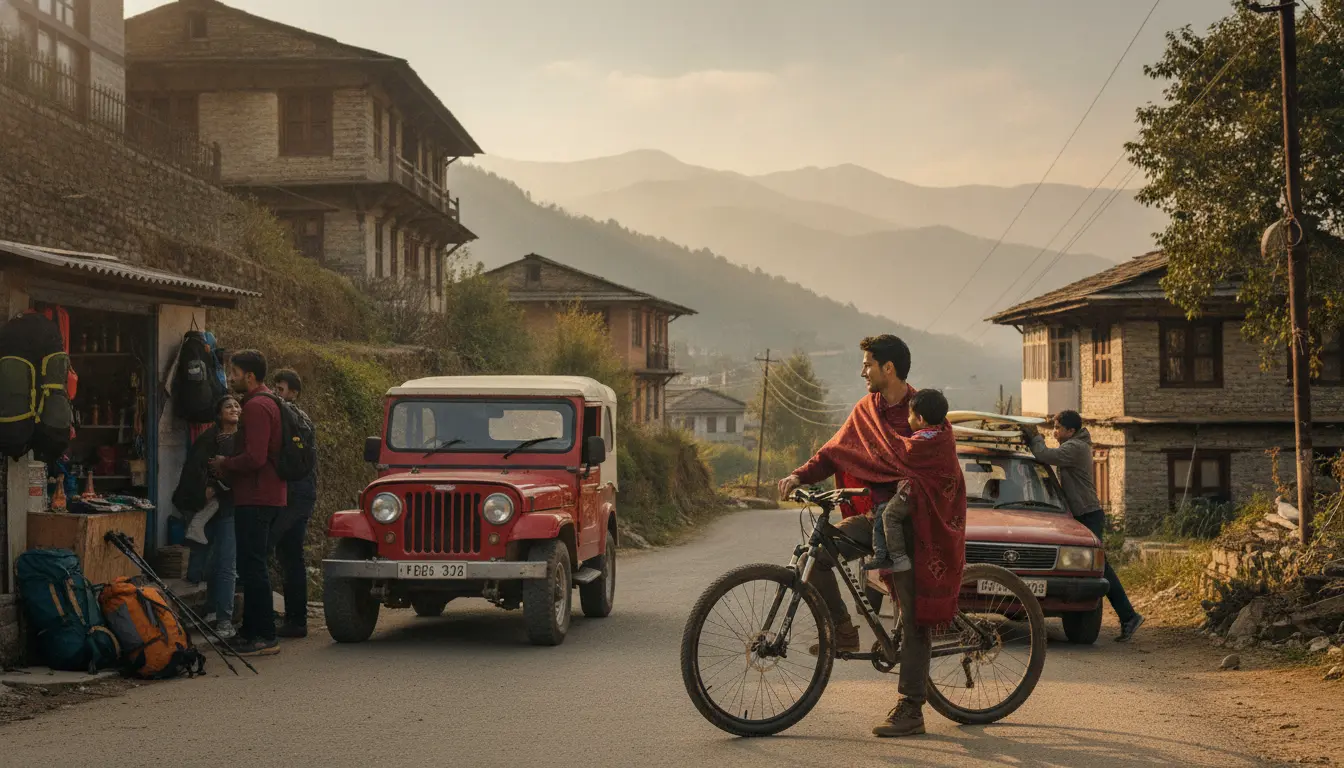
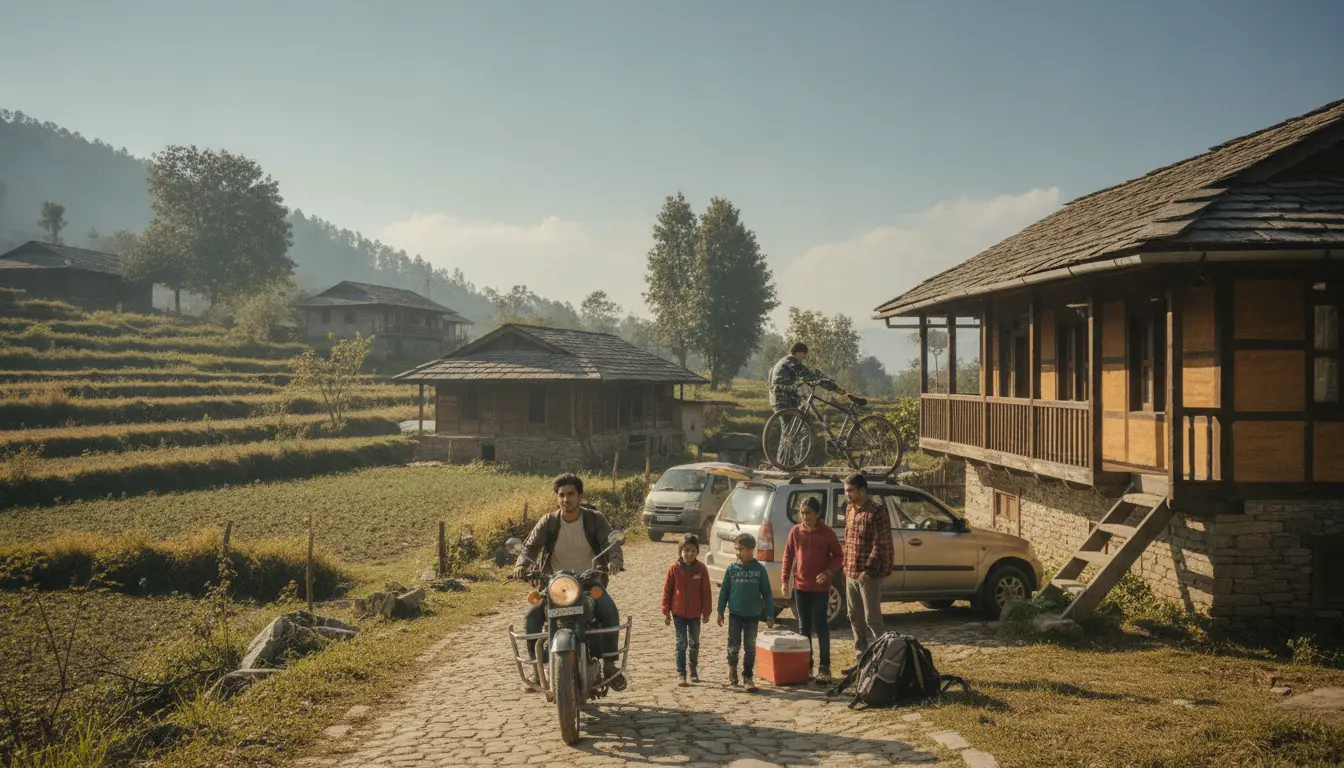
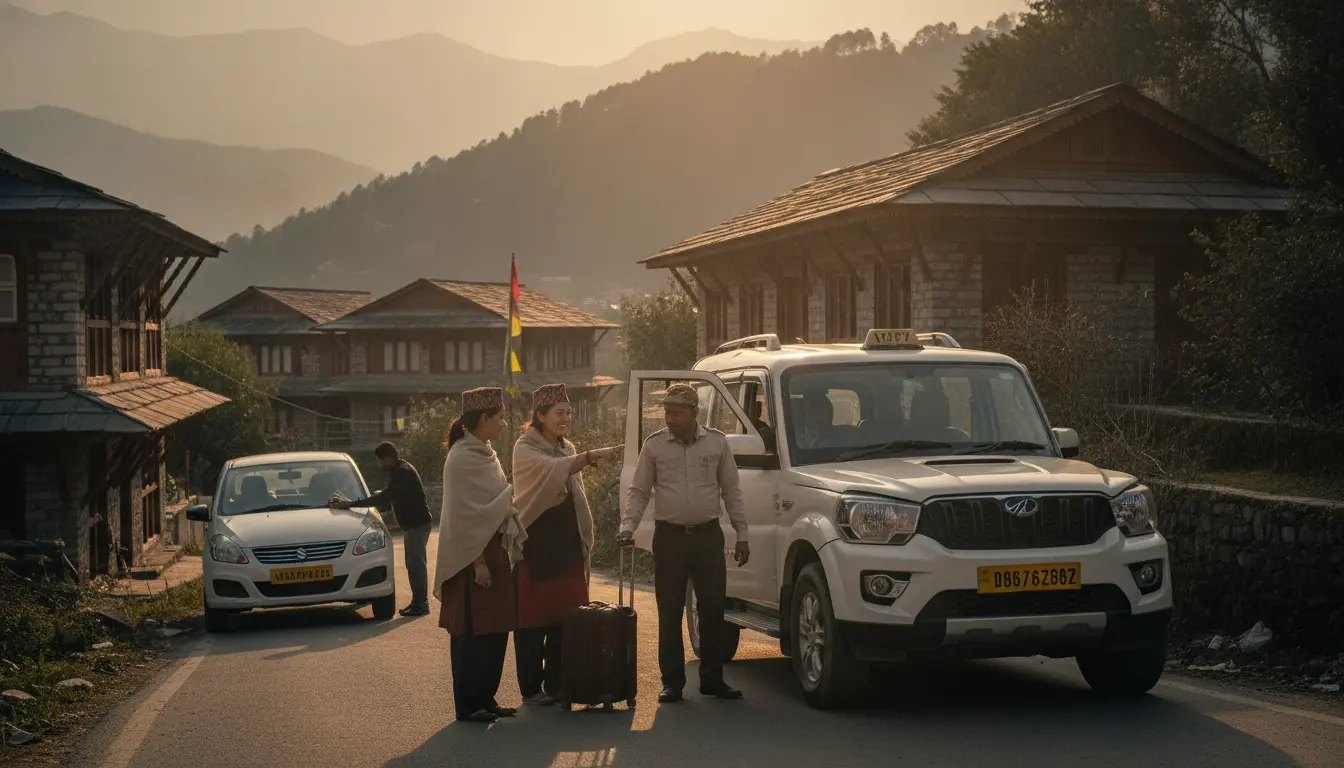
Kullvi Rentals helps you find bikes, cars, and various equipment available for rent right in your local town or village. It connects you with people nearby who are offering their items. You can browse what's available for your next trip or local need, whether it is a scooter for a day or a camera for an event. Just head to the Rentals — bikes, cars and gear section of the app to get started.
What should I check before renting a vehicle or gear?
Before you book any item on Kullvi Rentals, take a moment to review the listing carefully. Look at all the photos provided to get a clear idea of the item's condition. Read the description for details like model, size, and any specific usage notes. Always check the owner's contact information; you might want to message them through the app or call them directly if you have questions about the item or its pickup.
- Photos of the item
- Detailed description
- Owner contact details
- Pickup/return location
How does the booking window work for rentals?
When you choose an item to rent, you will see a booking window. This shows the exact dates and times the item is available for your use. You select your desired start and end times within this window. The owner sets these availability times, so it is important to confirm they fit your plans before you book. If you need it for longer, you can message the owner to check if they can extend the booking. This helps avoid any confusion.
What about payment and security deposits?
After confirming your booking window, the app will show you the total rent amount in rupees. This is usually paid through secure methods within the app. Some owners may also ask for a small, refundable security deposit. This deposit covers any minor damage or late returns. The app will clearly show if a deposit is required and how it is managed. This helps protect both the owner and the renter.
How do I list my own bike, car, or gear for rent?
Listing your own items on Kullvi is straightforward. Go to the Rentals — bikes, cars and gear section and look for the 'List your item' option. You will need to upload clear photos of your item and write a detailed description. Set your daily or hourly rental price and specify its availability using the booking window tool. You can also add notes about pickup and return. This helps others find your items easily.
- Upload clear photos
- Write a detailed description
- Set your rental price
- Define availability times
- Add pickup/return instructions
Is it safe to rent items from local owners?
Kullvi encourages clear communication between renters and owners. You can always message the owner through the app before confirming a booking. We recommend meeting in a public place for pickup and return, especially for larger items. Always inspect the item when you pick it up and when you return it. If you have any issues, such as a problem with the item or a disagreement, you can report them to Kullvi support for assistance.
Frequently asked questions
How do I find bikes or cars for rent near me on Kullvi?
You can find bikes or cars for rent by opening the Kullvi app and navigating to the Rentals — bikes, cars and gear section. The app will show you available items based on your current location or a location you select. You can then browse listings and filter by item type to find what you need for your local travel or specific requirement.
Can I negotiate the rental price with the owner?
The rental price for items on Kullvi Rentals is set by the owner. While the app does not have a direct negotiation feature, you can message the owner through the app before booking. You can ask if they offer any flexibility, especially for longer rental periods or for a specific request. However, the final decision on the price rests with the item owner.
What if the rented item gets damaged or I return it late?
If a rented item gets damaged or returned late, the owner may use the security deposit to cover costs. The app's terms outline how such situations are handled, focusing on fair resolution. It is crucial to communicate immediately with the owner and Kullvi support if any issues arise during your rental period. This ensures transparency and helps resolve problems promptly.
How does Kullvi ensure the quality of rented items?
Kullvi encourages owners to provide accurate descriptions and clear photos of their items. Renters are advised to inspect items upon pickup and return to verify their condition. While Kullvi facilitates the connection between renters and owners, the quality and maintenance of the item are the responsibility of the owner. You can report any discrepancies or concerns to Kullvi support.
Can I cancel a rental booking on Kullvi?
Yes, you can cancel a rental booking on Kullvi, but cancellation policies vary and are set by the individual owner. You should check the specific listing's cancellation terms before confirming your booking. Depending on when you cancel, and the owner's policy, you might receive a full or partial refund, or no refund at all. Always review these details carefully.
This guide was drafted by Kullvi’s AI writer and describes features of the Kullvi app. Prices, availability and local details change — check the linked page for the current position.